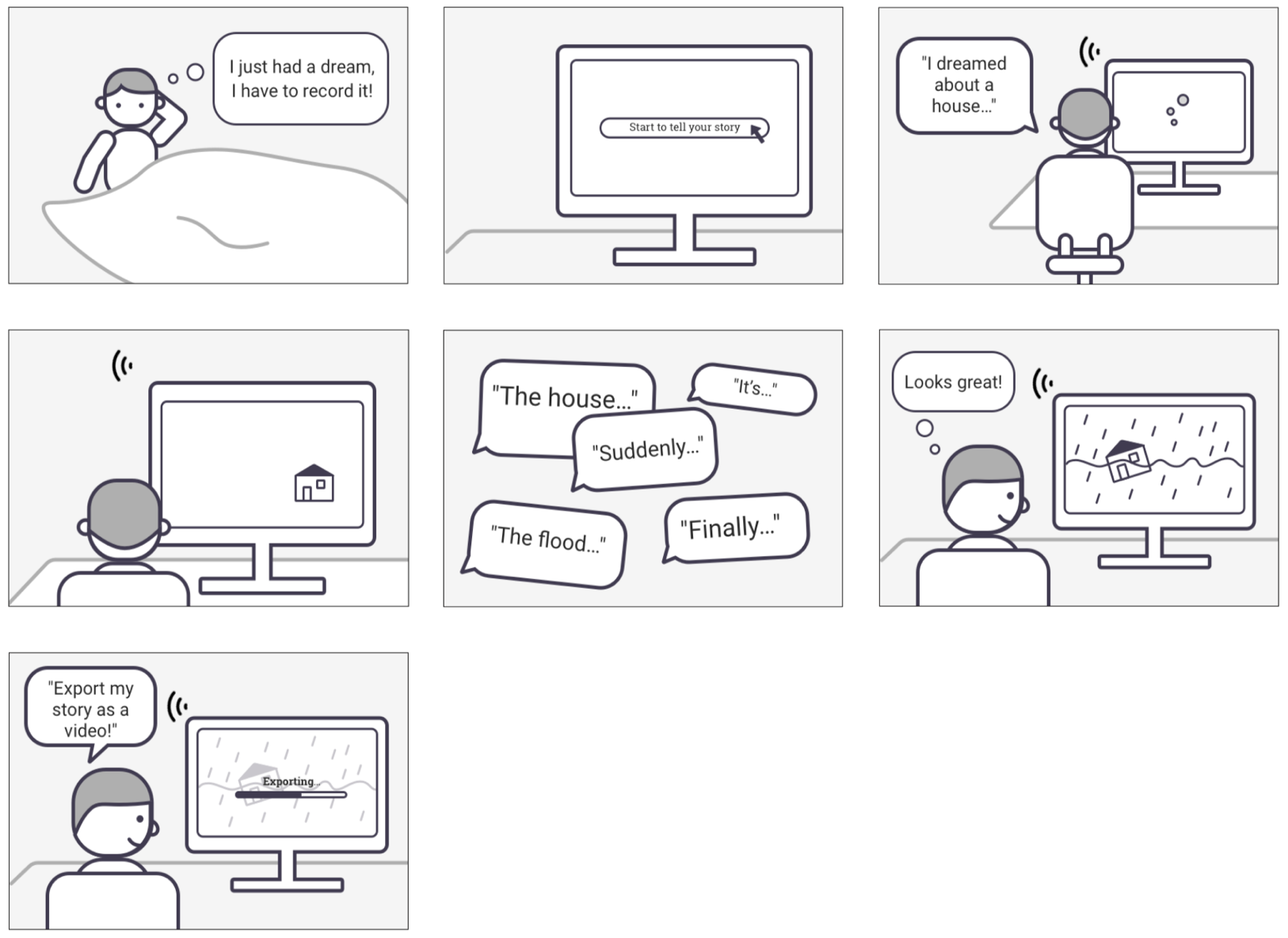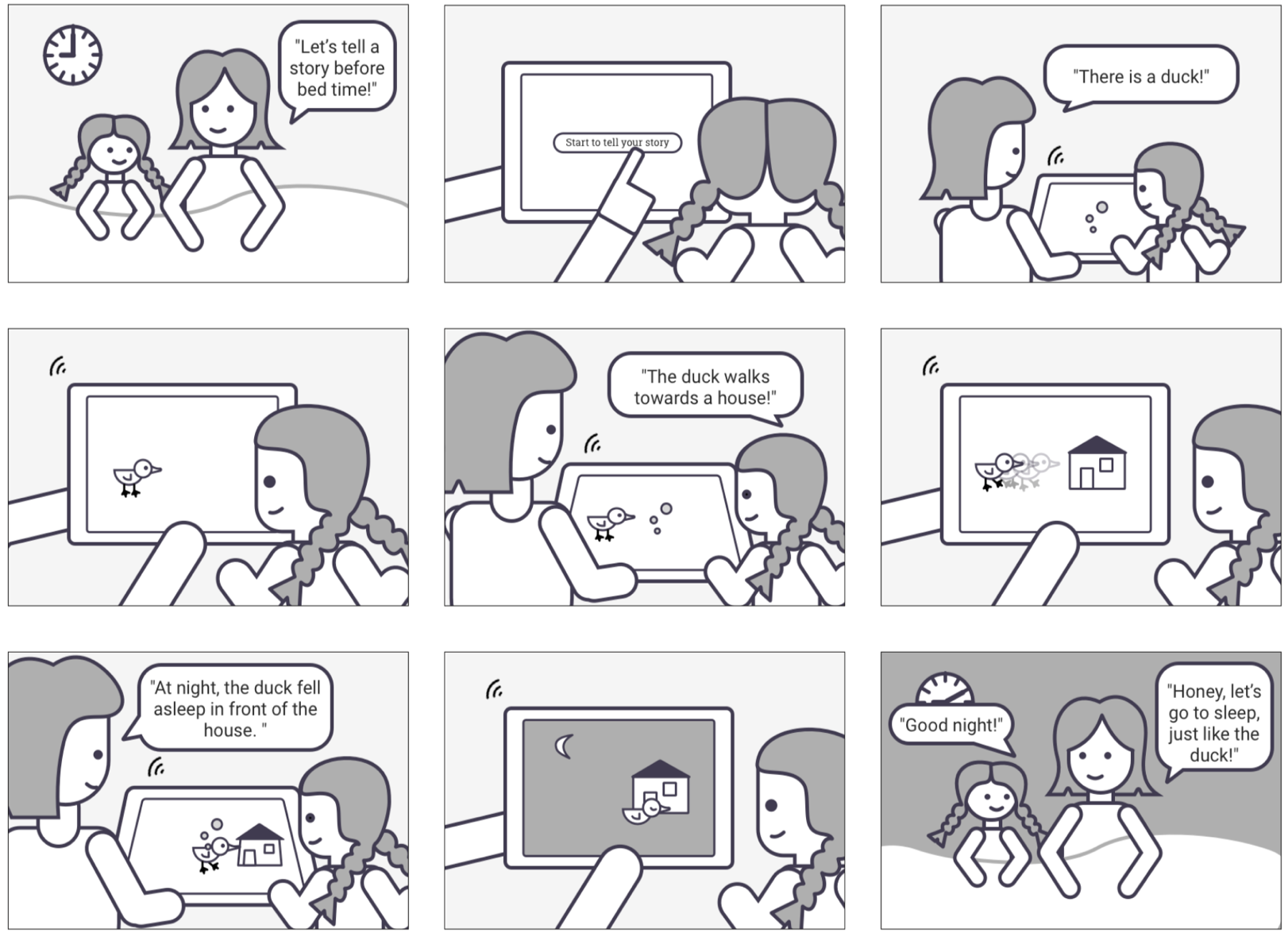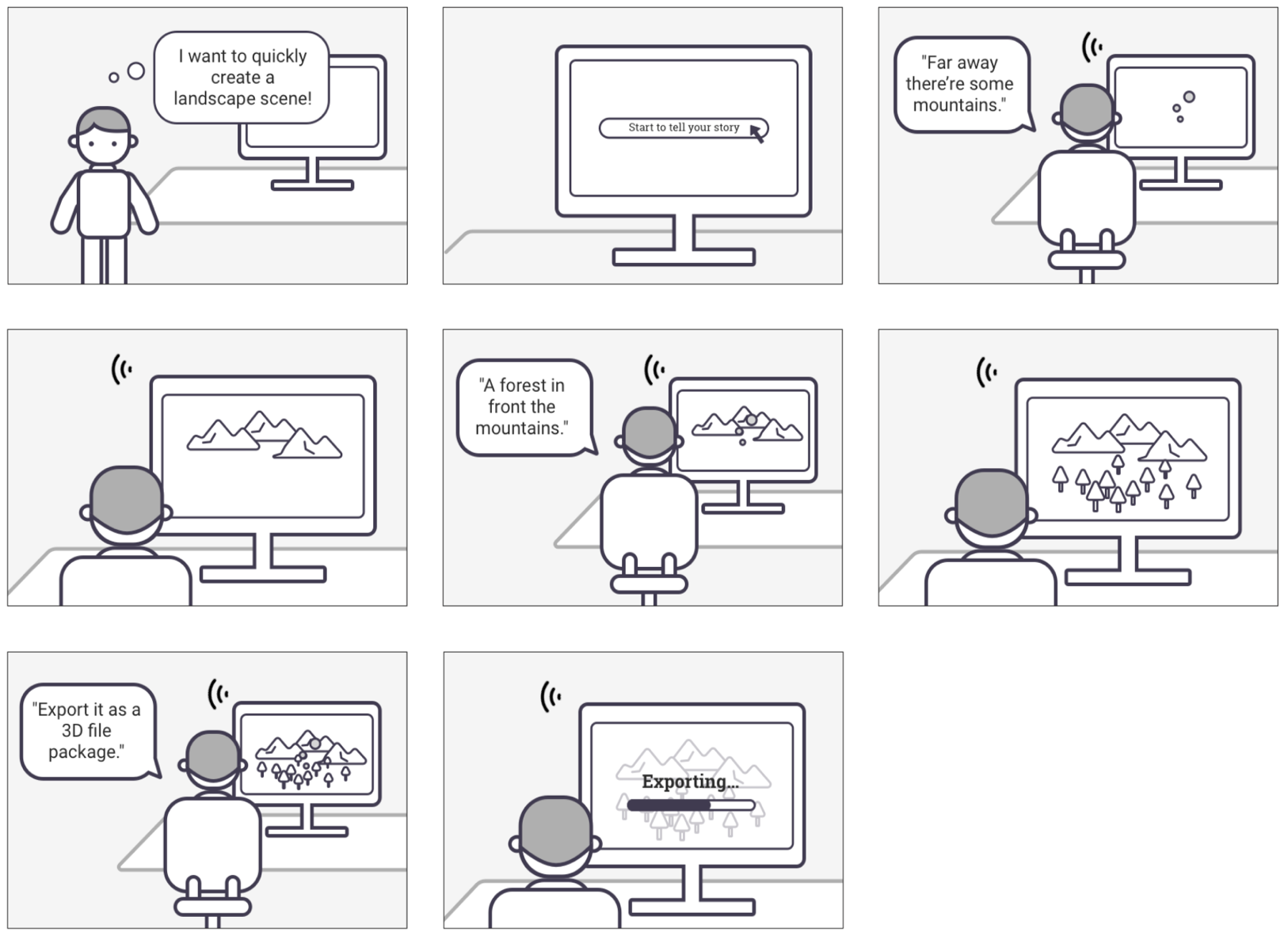
Supervised by Prof. Carola Zwick
Master Project, May 2020
Tools:
Google Speech API, Google Natural Language API, Unity, Asset store
Idea:
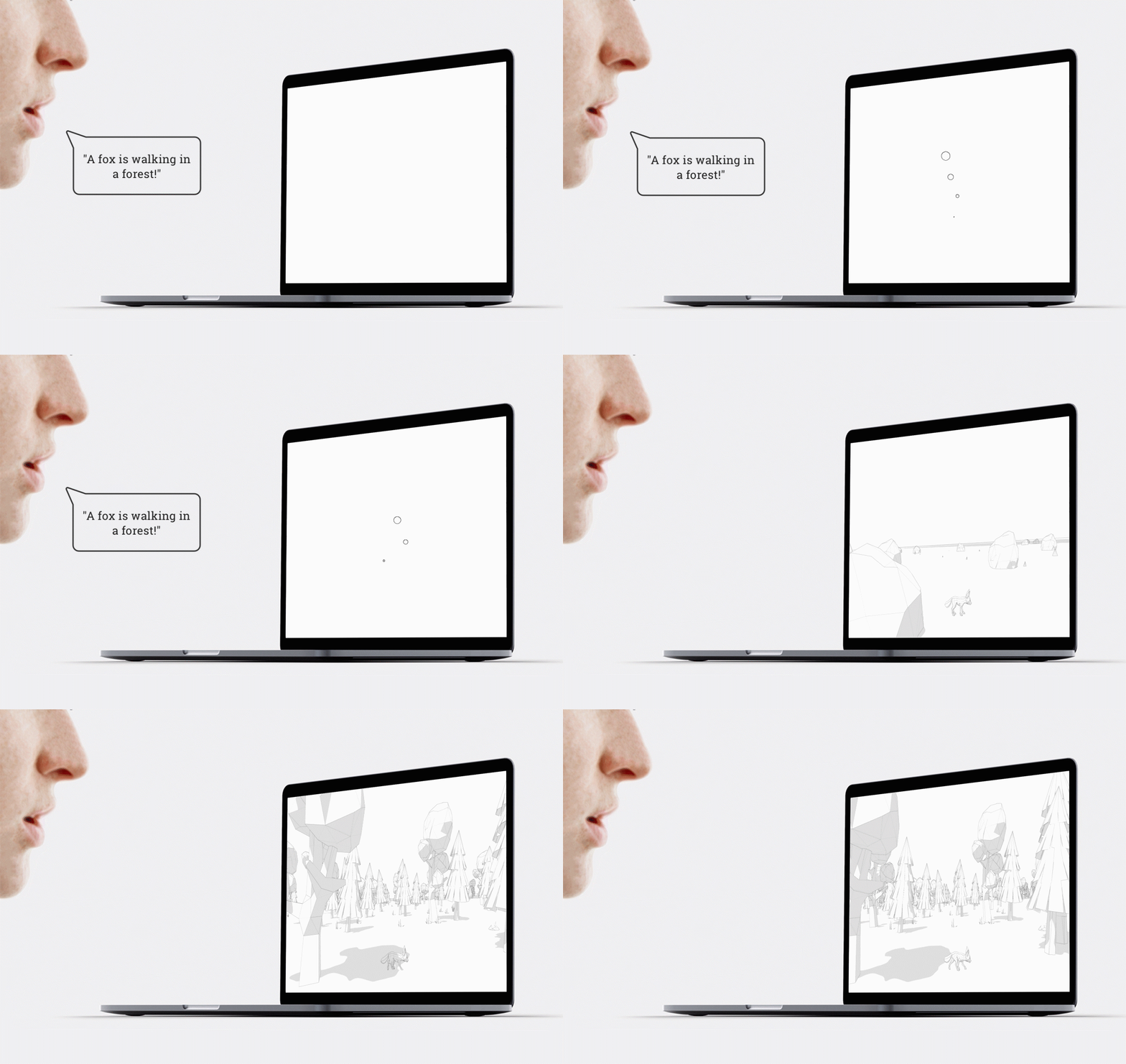
“Word to World” is a further development of my bachelor thesis
“Scribbling Speech”. It is a software that transforms real-time speech into dynamic
visualisation. I used Unity game engine to process the data passing from the language
input, the computer outputs a corresponding three-dimensional visual world where camera
movements, physics, forces, collisions, animations, and motions are working together. We
are proficient at intuition, language, imagination, and creativity, while the computer is
proficient at computation, algorithm, logic, and memory, “Word to World” created a mix of
intuition and logic. It encourages creation with technology.
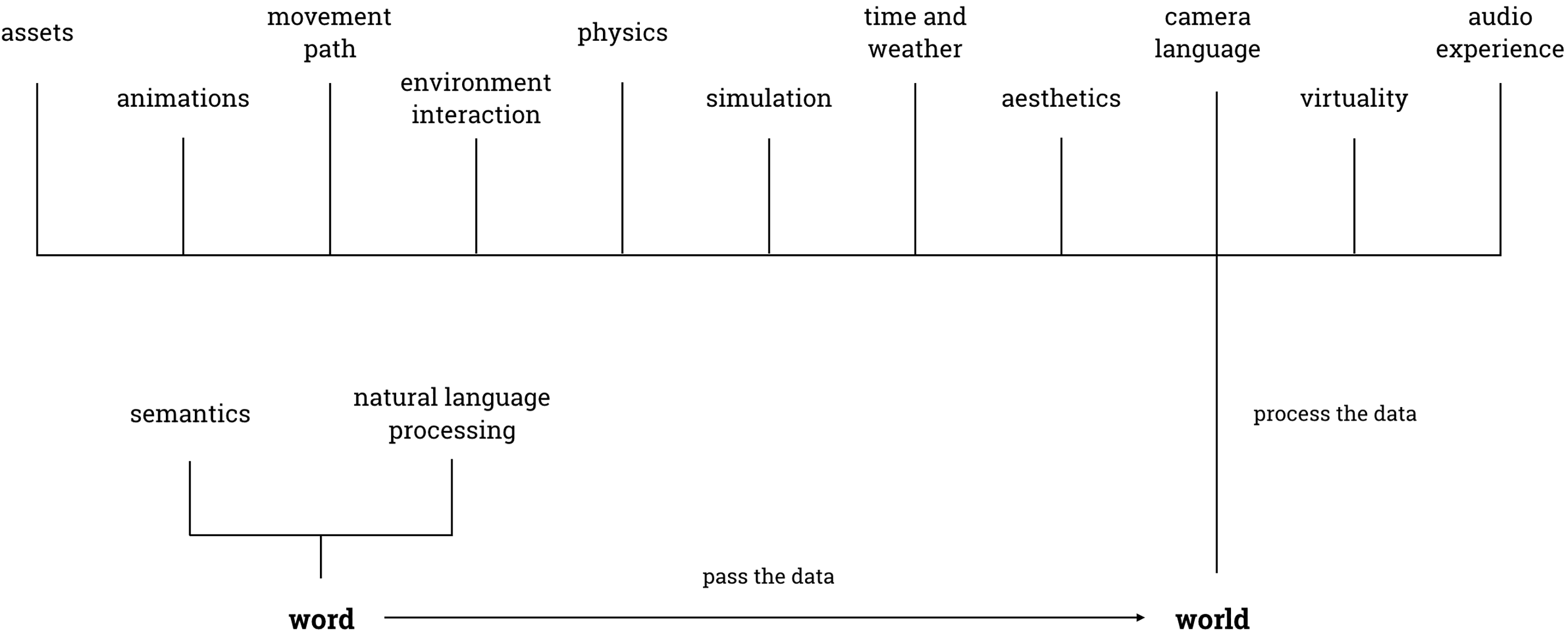
Visualizing human’s “free speech” is a complex task, so I deconstructed the
project into following elements:
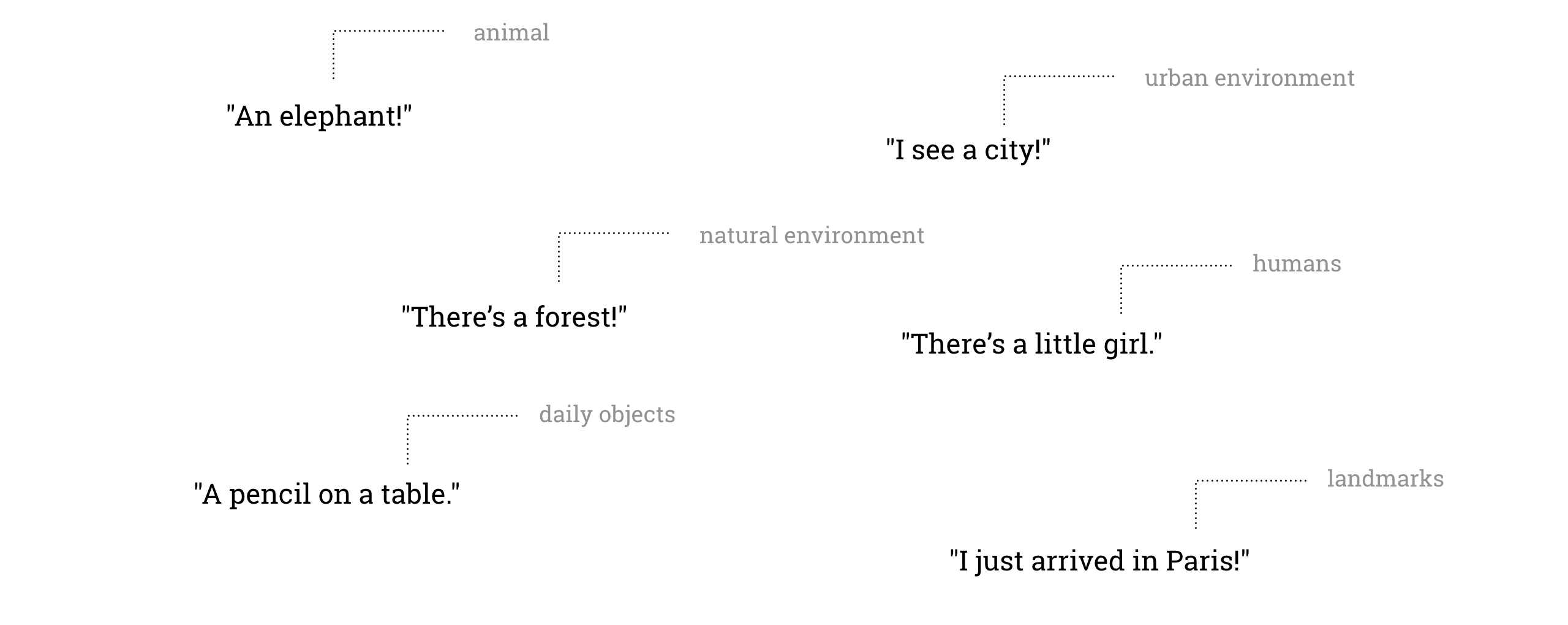
Assets are what we have in our world: natural environments, animals, people,
objects, transportation and even places, landmarks and so on. The computer will find the
corresponding asset according to the detected “nouns”.
“Some mushrooms here”
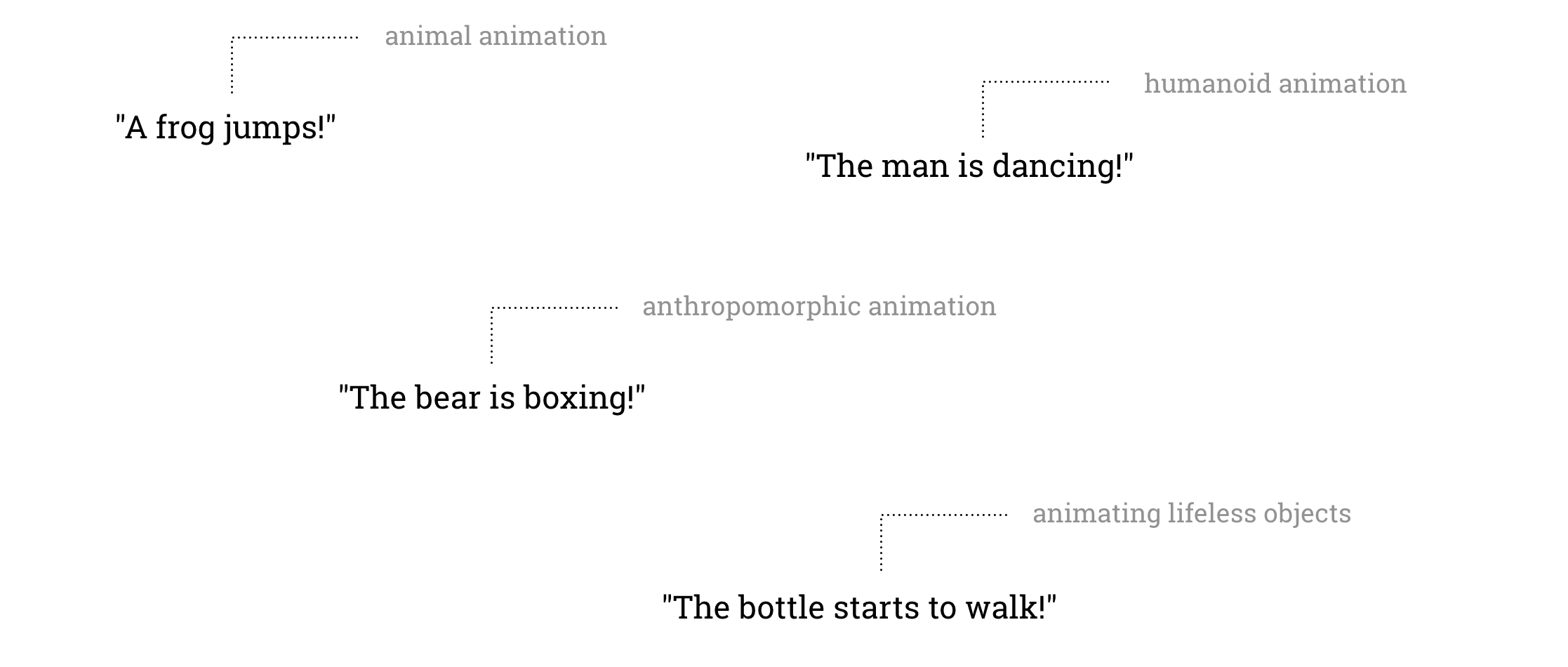
The word “animation” stems from the Latin “animātiōn”, stem of “animātiō”,
meaning “a bestowing of life”. Bringing motions into our canvas can largely increase
the vividness of the world.
A cat can eat, walk, jump, run, sleep; a human can walk,
kick, sit, dance, they can move!
transit from the default “idle” state to “walk” state
“The elephant is drinking water.”
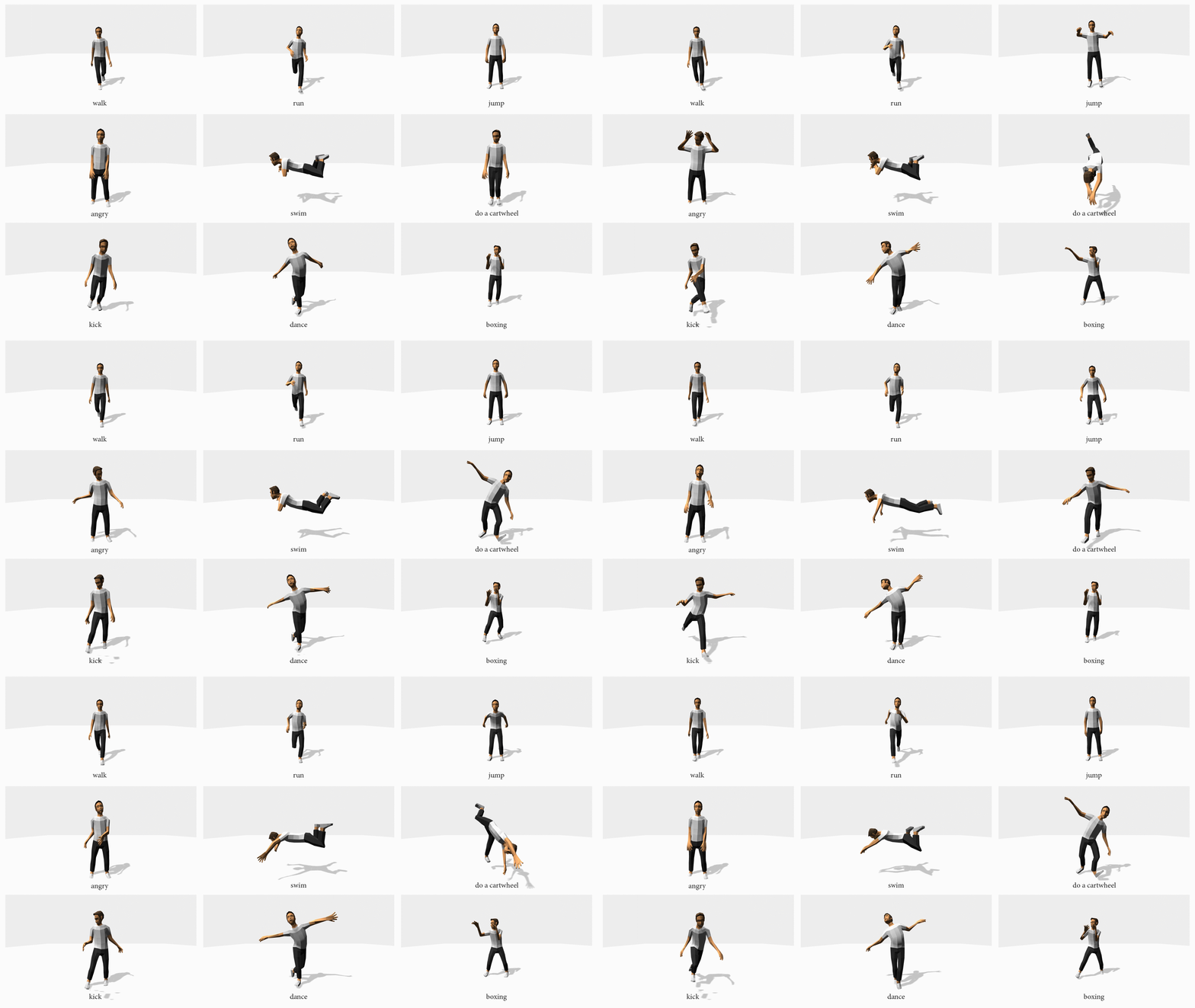
I applied motion datas (fbx format) from CMUMocap database to a man character which is rigged and have humanoid rigs. Below are the screenshots of the man doing different motion, as a result of visualizing verbs.
“The cowboy is waving to the penguin”
“The bear is dancing in front of the rose.”
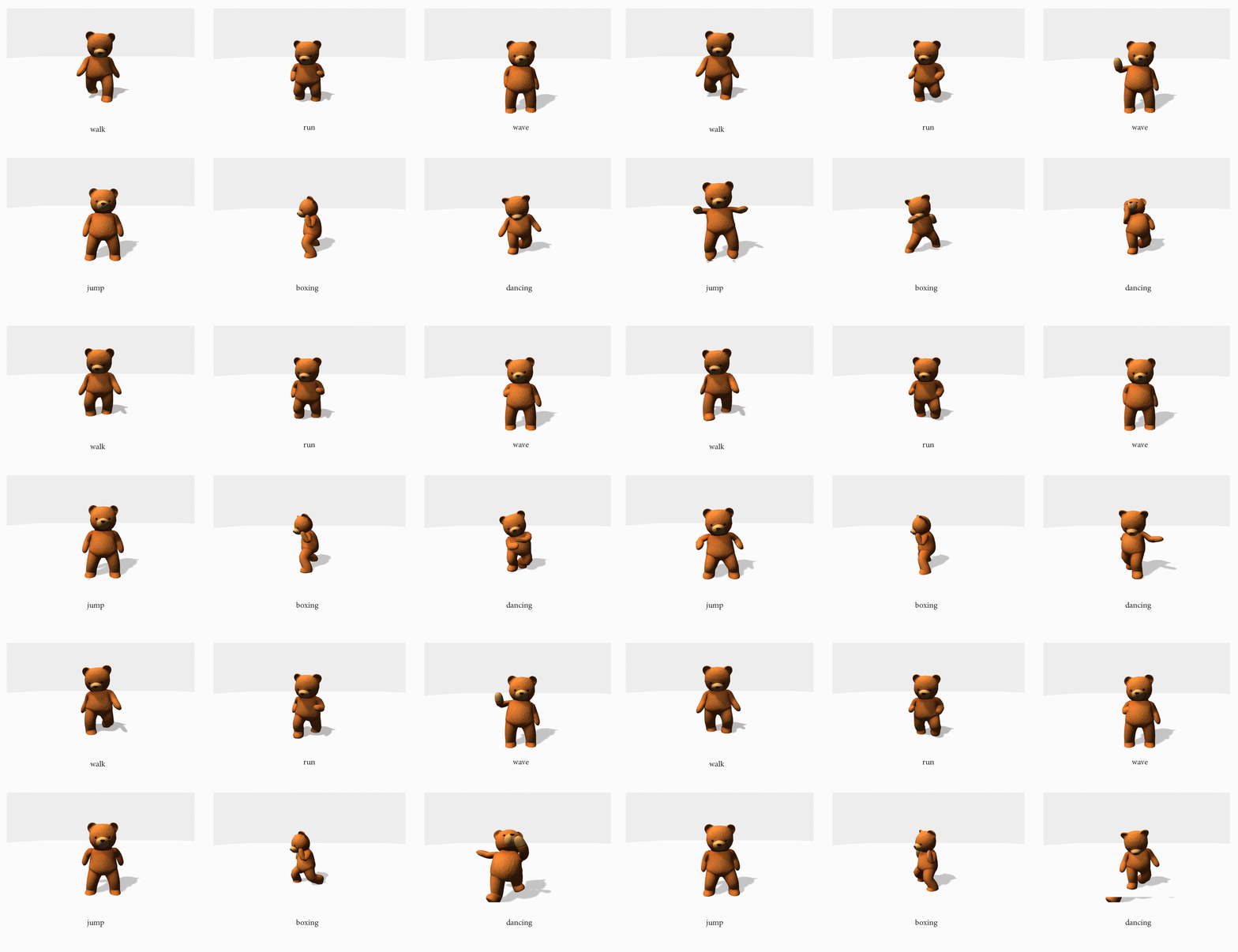
Above are examples I collected to show how lifeless objects
can be animated and brought to life.
I used a mesh deformer tool written by Keenan Woodall, it has various methods
like “bend”, “sine”, “skew”, “inflate” and so on, to change and animate the form of the
models.
a mesh deformer tool written by Keenan Woodall
I started with the most basic geometry, a cube, by combining different
deforming methods, I found the behaviors of the cube can already express some emotions and
meanings.
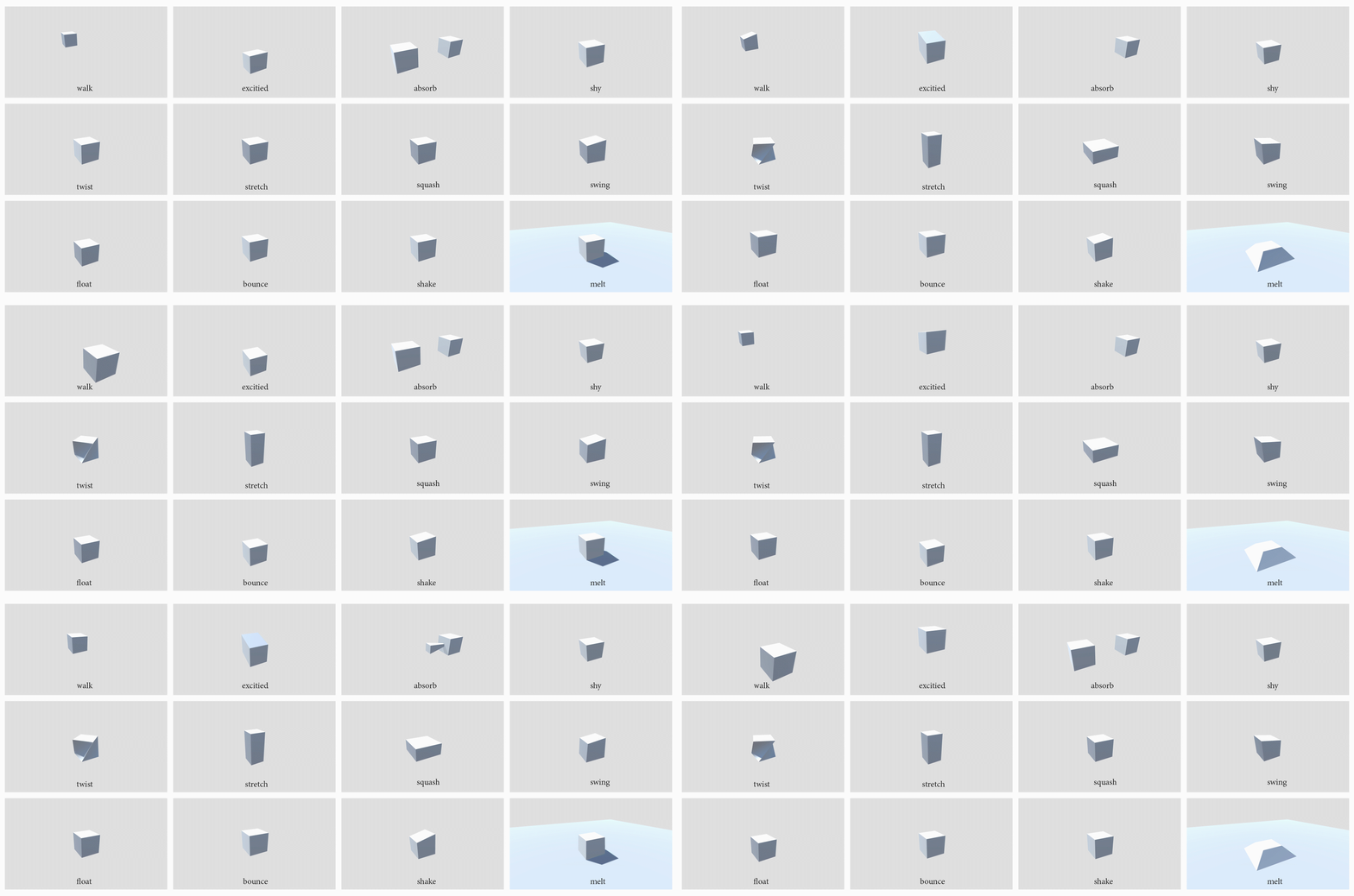
start experimenting with the most basic “cube”
Then I moved on with the same methods to a “table” model, we could see the table comes to
alive.
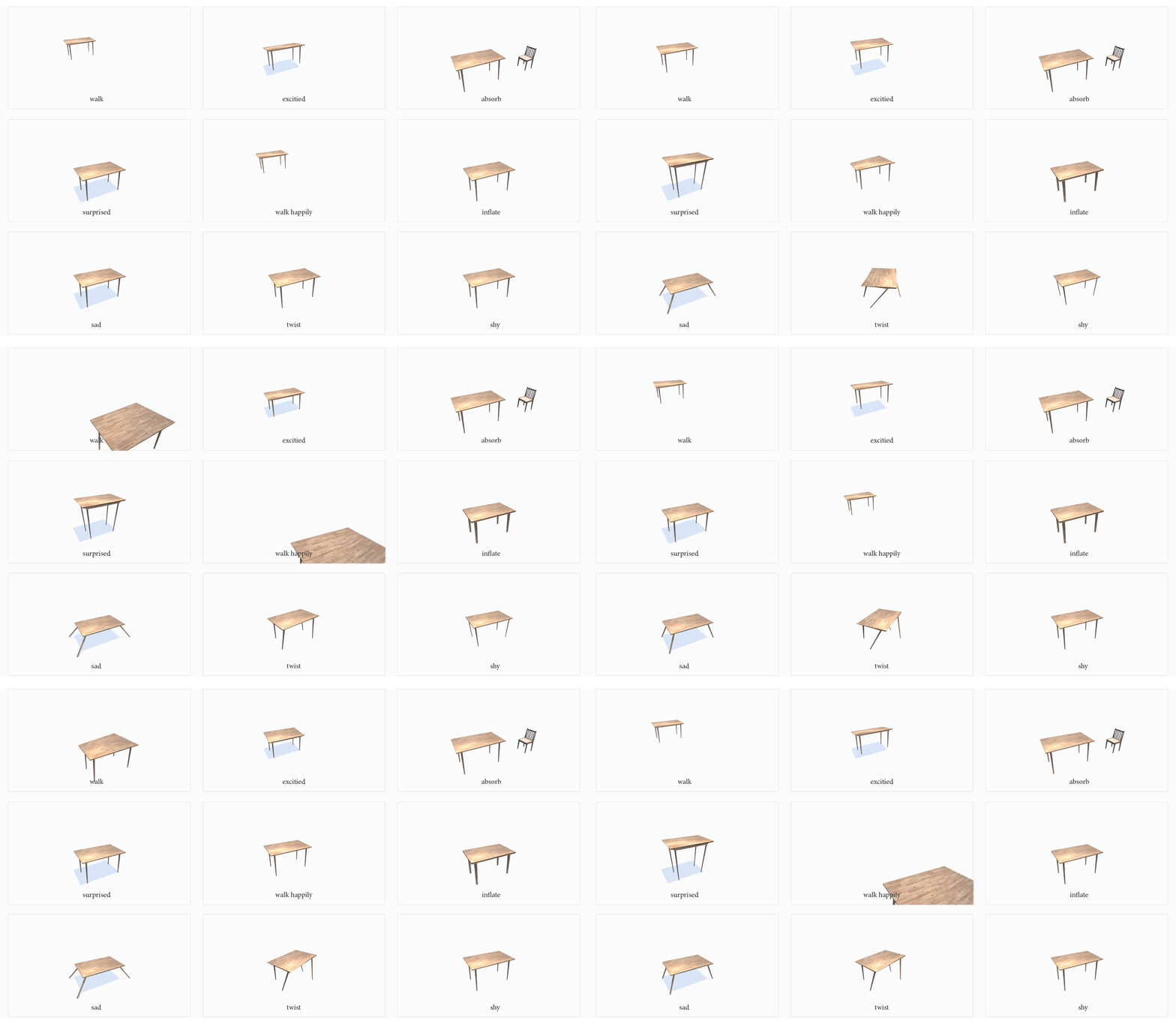
further study with a “table” model
“The sofa is walking to the chair”
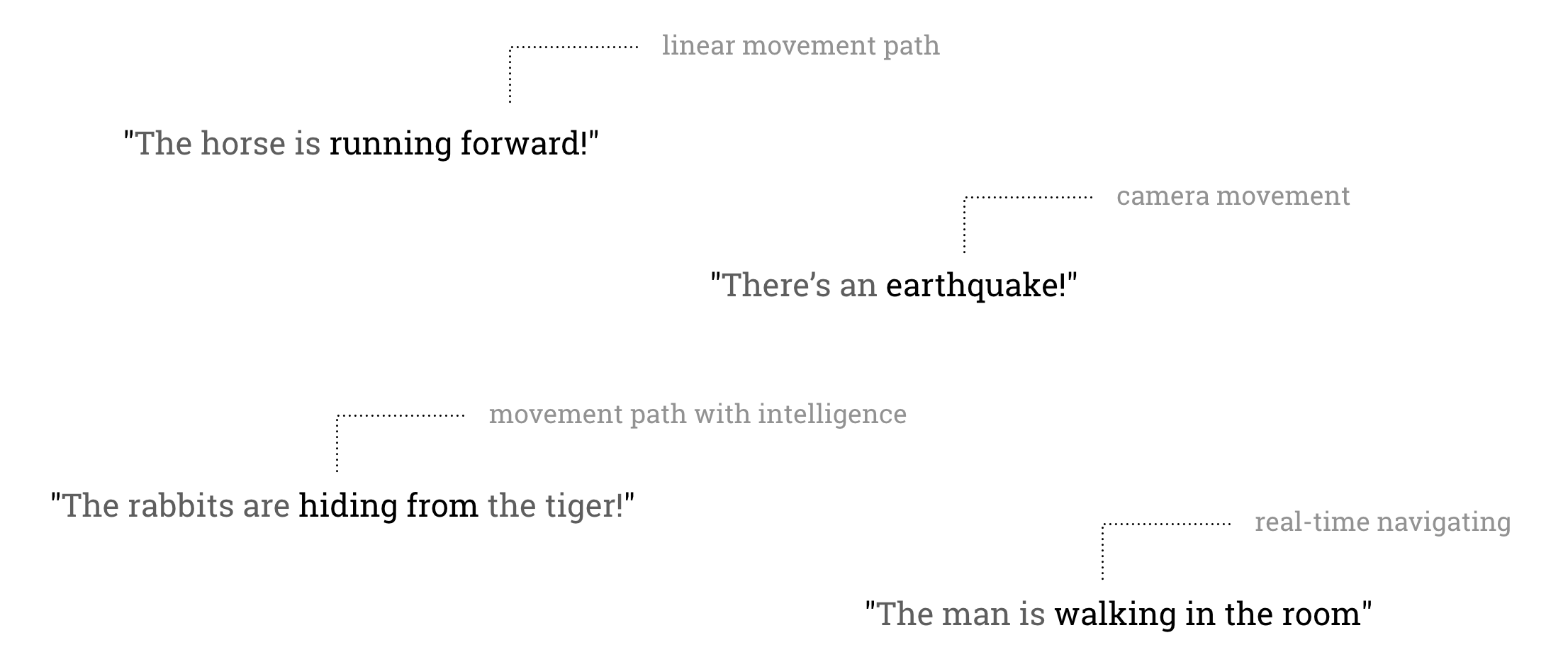
“The hot air balloon is rising.”
(linear motion)
“The moon rotates around the earth.”
(linear rotation)
“A flying UFO!”
(random motion)
“There’s an earthquake!”
(camera movement)
“The dinosaur is chasing to the fox!”
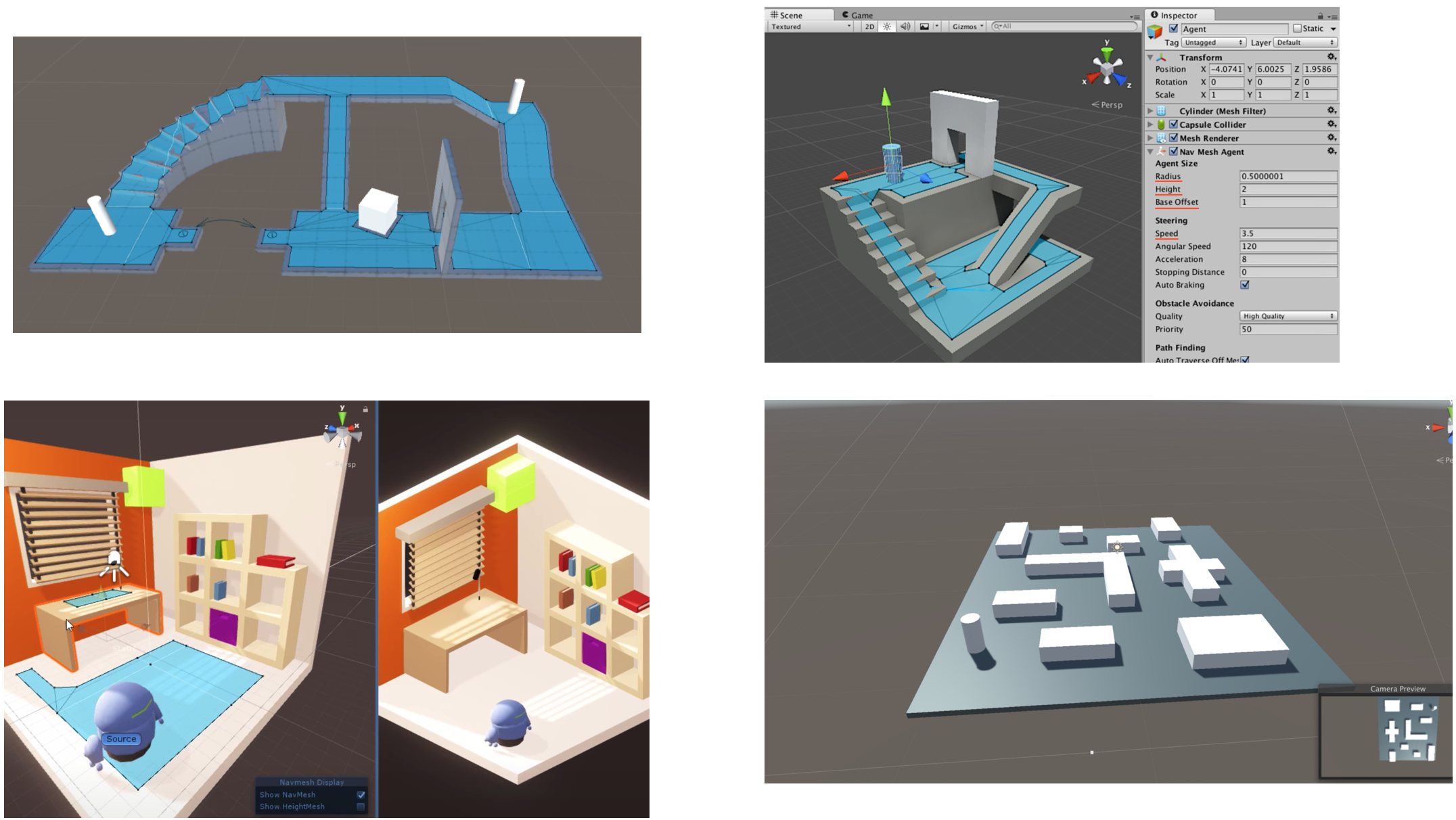
walkable area
“The girl is wandering in the garden.”
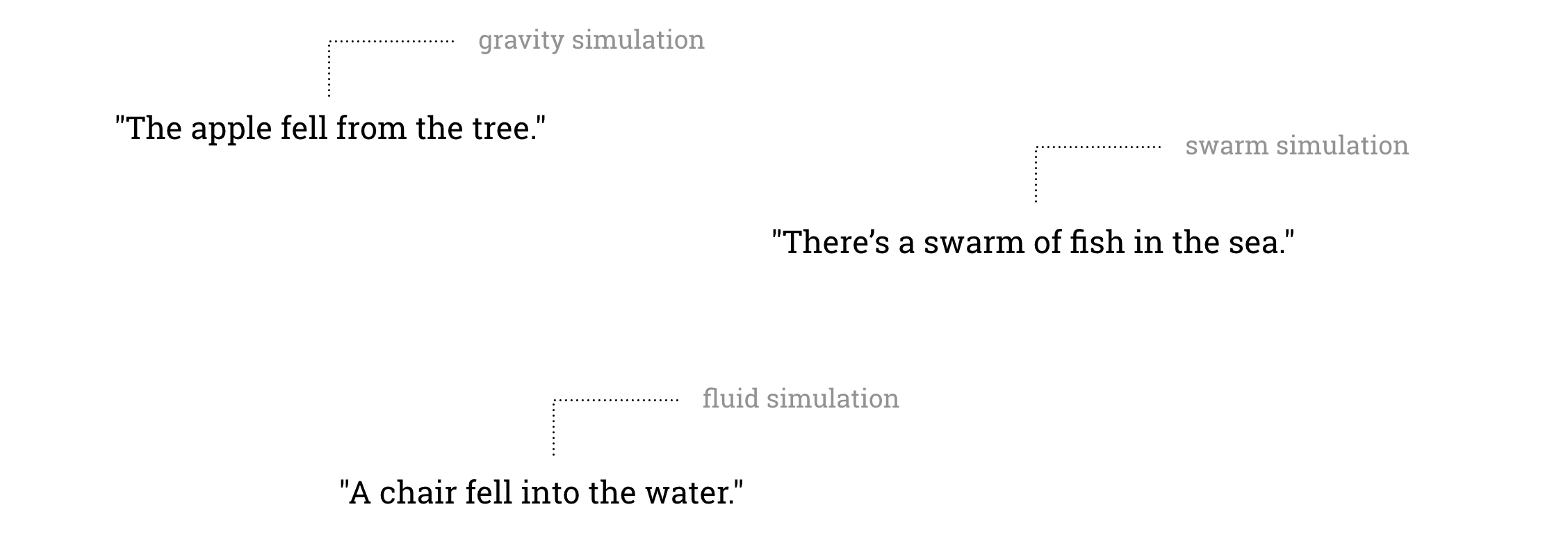
Simulations could help us visualize a world that we are familiar with: we use gravity simulations to visualize for example, “An apple falls from the tree.”; we use fluid simulations to visualize how a chair moves and floats in the water.
“The pencil and the ball fell down.”
(Gravity Simulation)
“A flock of birds is flying over the mountains.”
(Swarm Simulation)
“There’s a swarm of fish swimming!”
(Swarm Simulation)
“A chair fell into the water.”
(Fluid Physics Simulation)
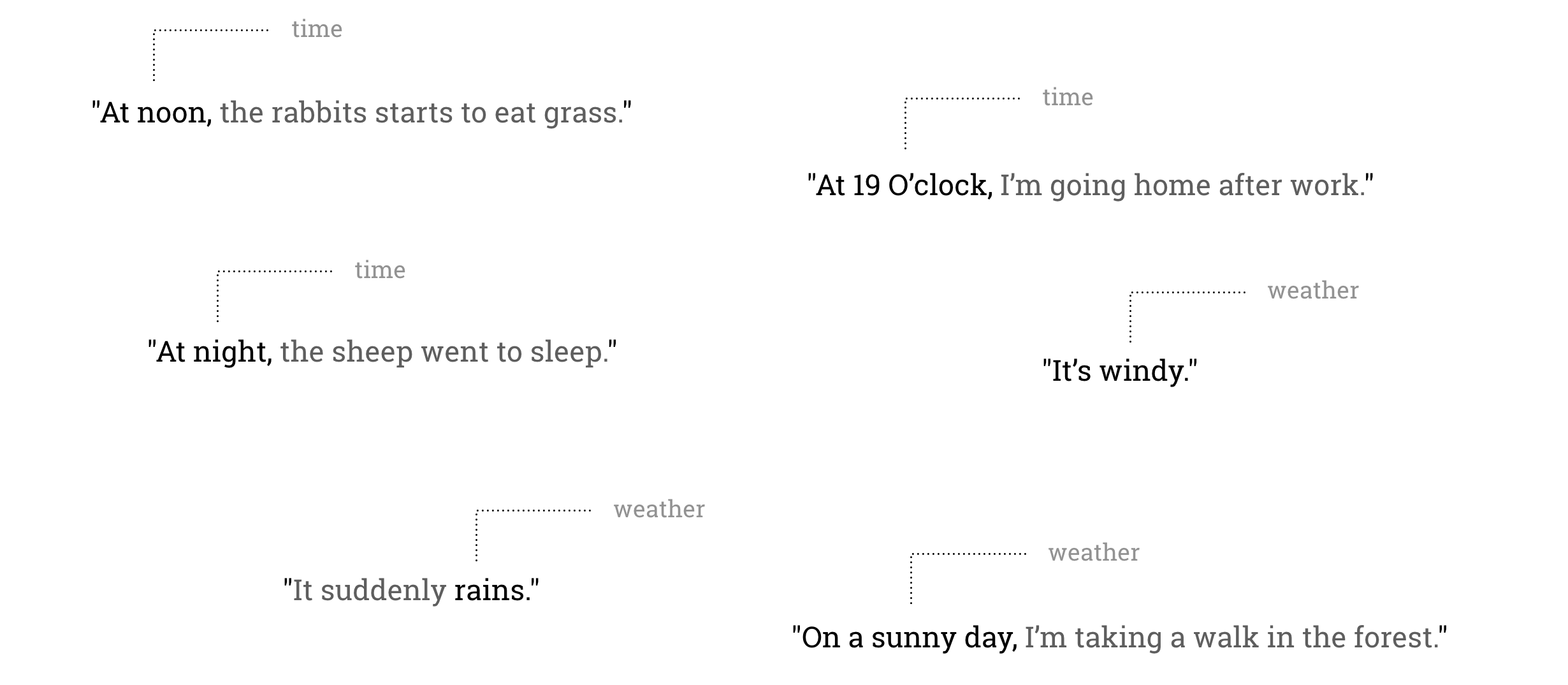
tell the time by showing the shadow
“In the late afternoon, it starts snowing.”
“On a sunny day…”
“It’s raining!”
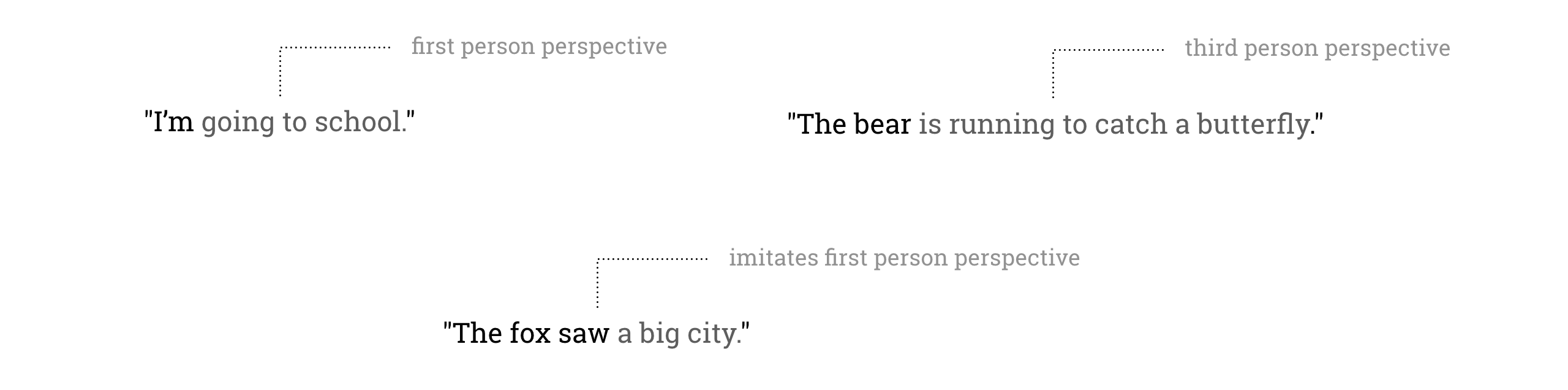
“I’m walking in the forest.”
(will trigger a first-person controller)
“The girl is walking in the garden.”
(will trigger a third-person controller)
“The bear saw an elephant!”
How do we visualize sentences like “A little boy is watching animation on a
TV.”, “I’m watching a news report on the TV”, “The man is watching a weather report on the
TV.”? “Word to World” will prepare three virtual layers which often appear on “screens”, a
children’s animation clip, a weather report video clip, a news report video clip.
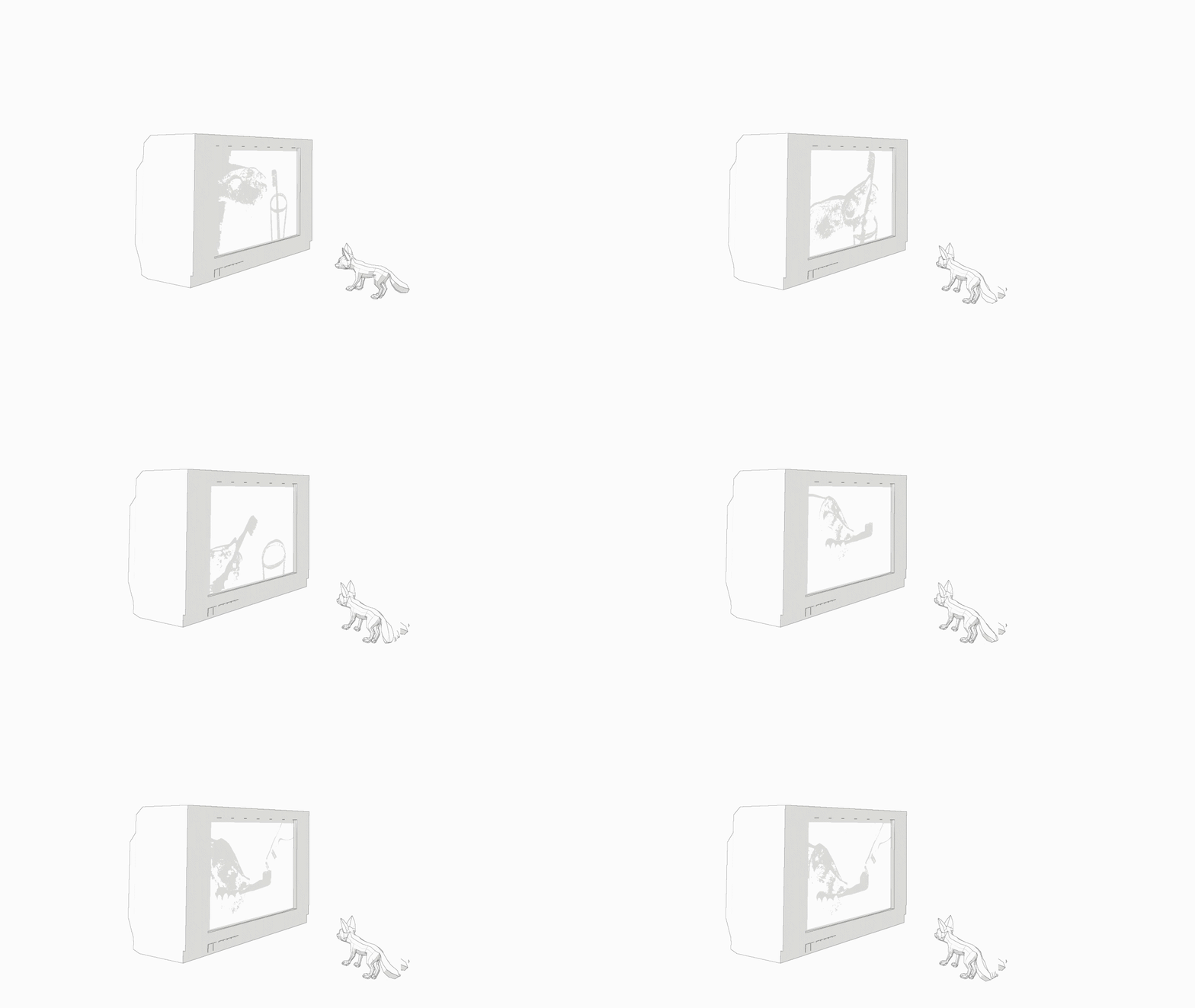
“The fox is watching an animation on TV!”
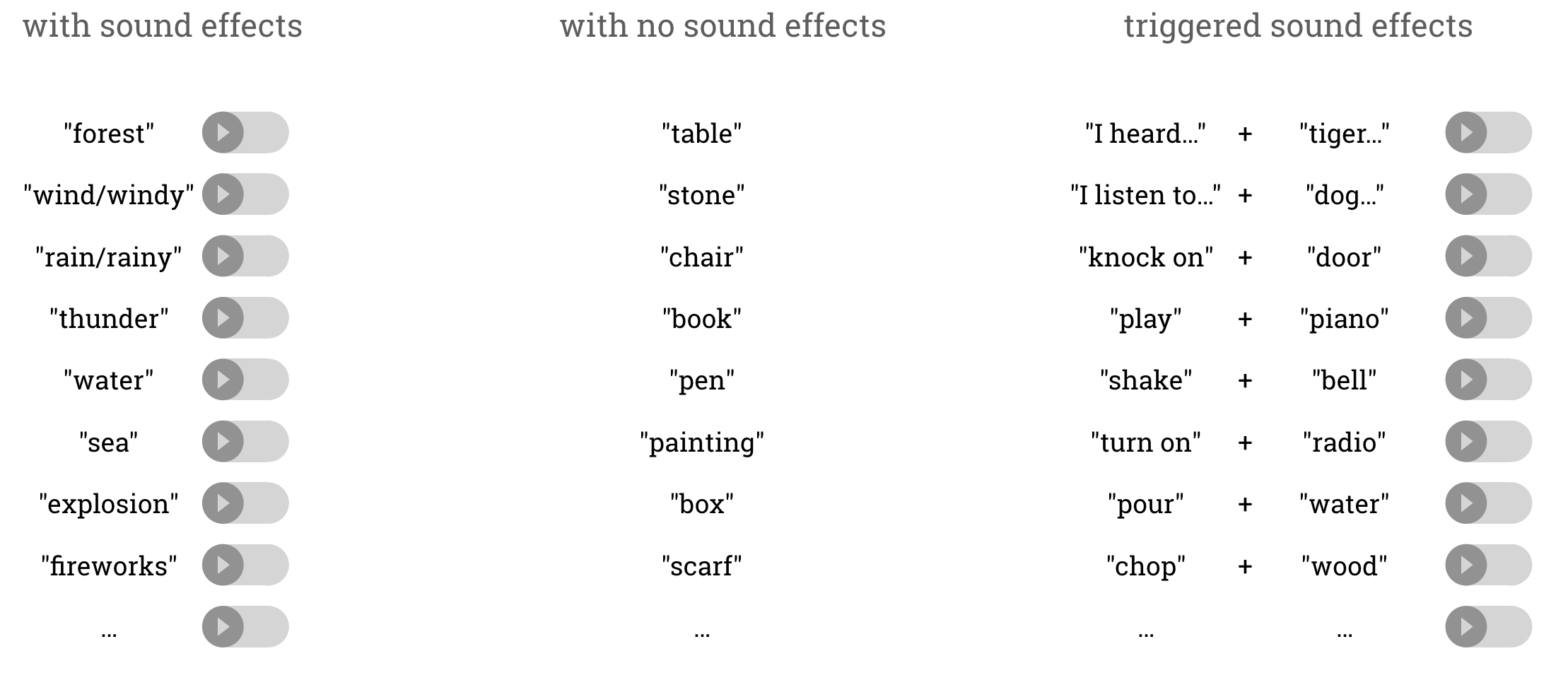
We also provide great audio experience besides the visualisations. The sound effects in “Word
to World” are from freesound.org. I divide the words into three groups:
words that has sound effects attached;
words that are “silent”;
words and sentences like “I listen to…”, “I hear…”, this will trigger a sound effect when
detected.
The “Speech to Text API” will recognize real-time speech and convert it to text. The “Natural Language API” will then process the text to make the computer “understand” it.
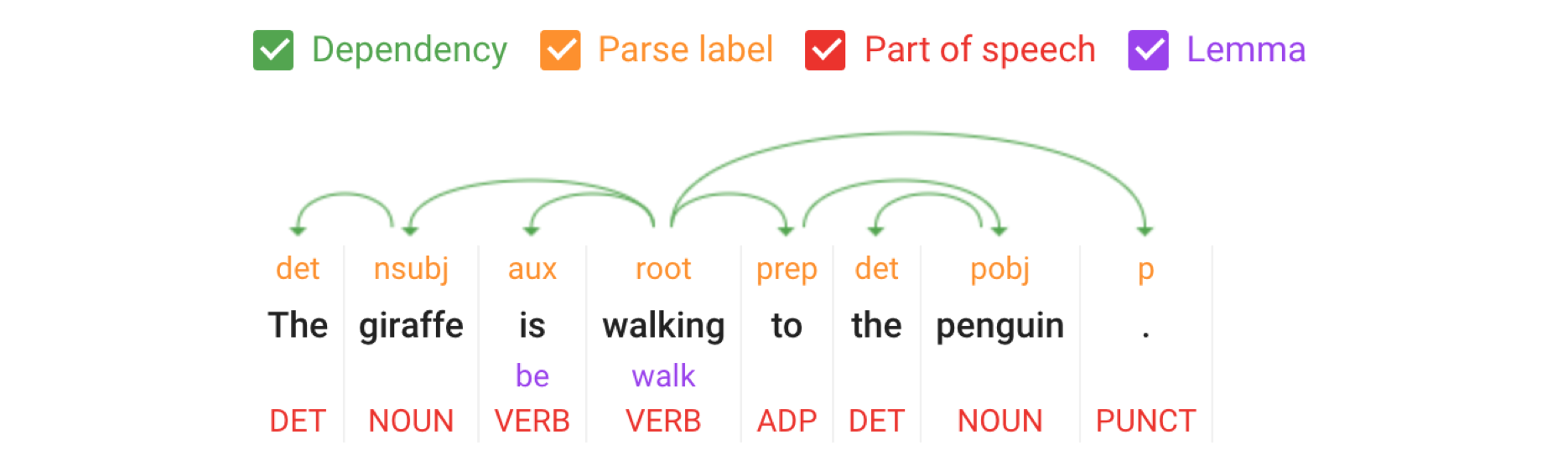
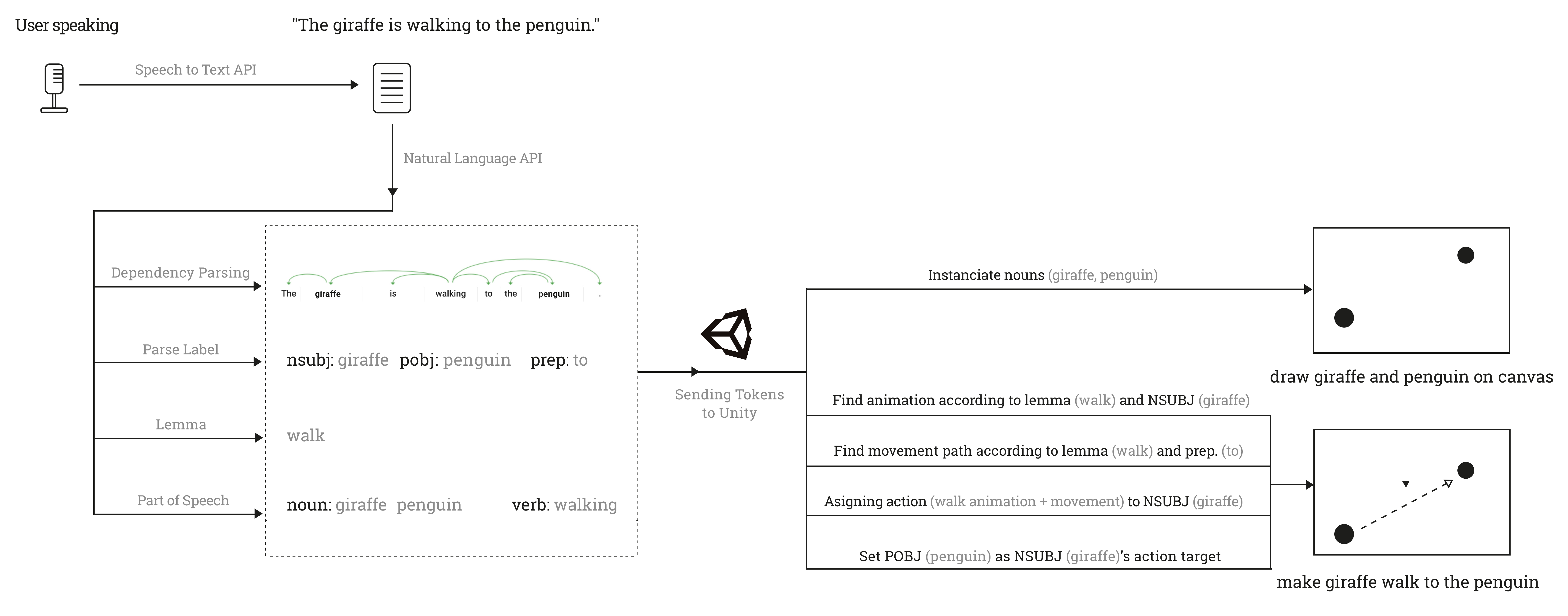
“The giraffe is walking to the penguin!”
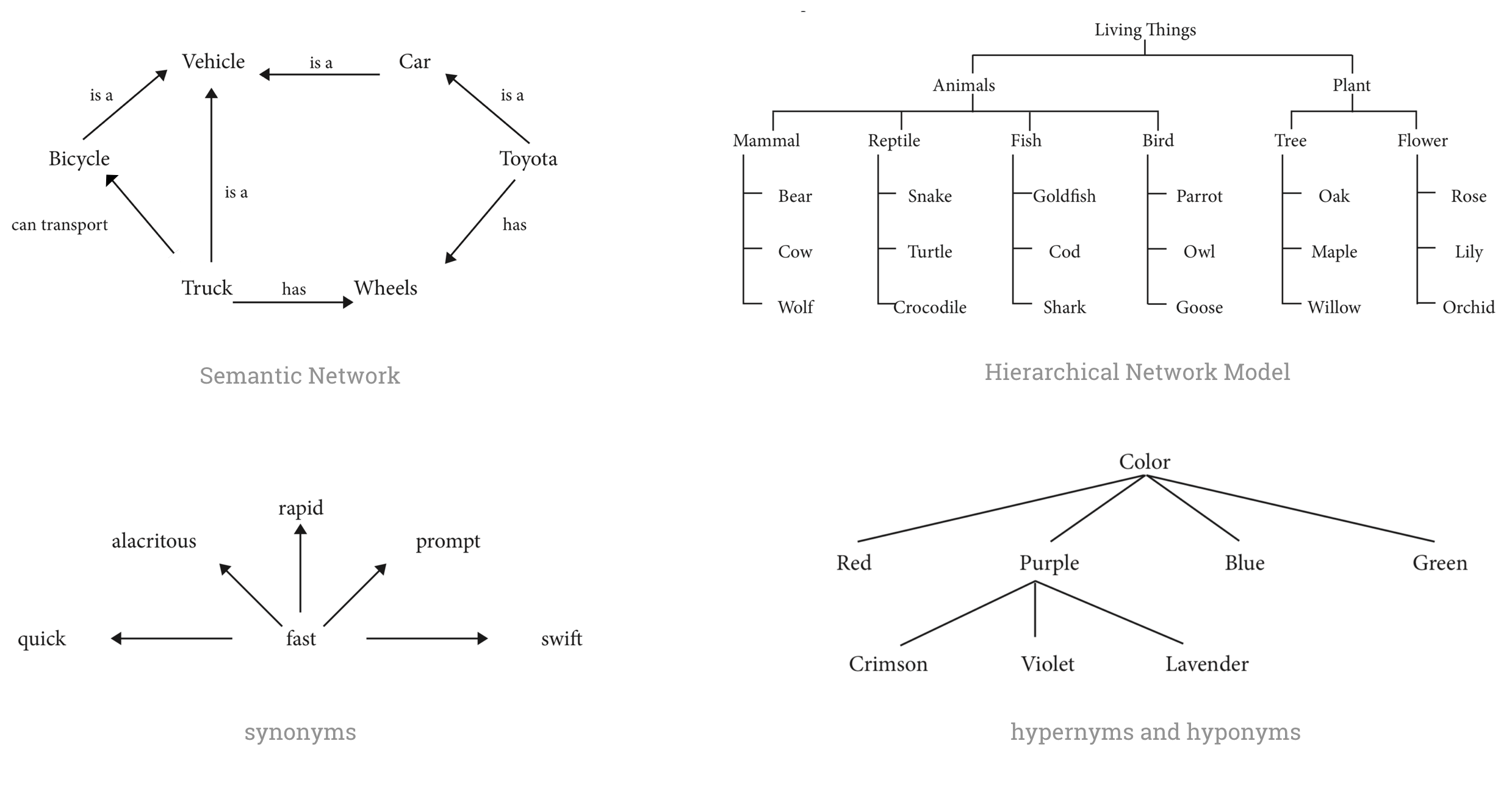
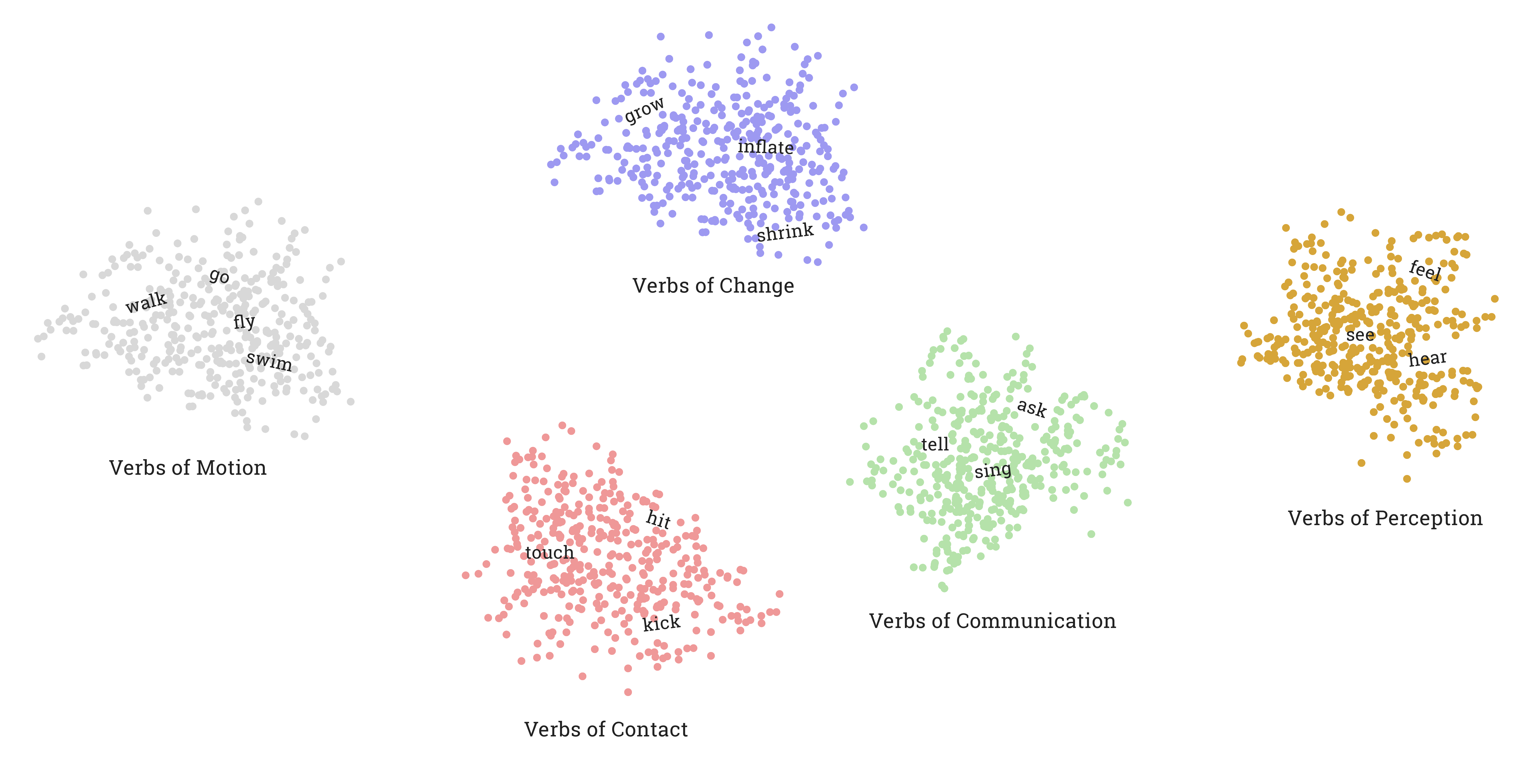
We can make the computer understand us way much smarter by using semantic
models, such as semantic network, hierarchical network model, synonyms, hyponymy and
hypernymy.